
Submission instructions to easychair
CREATING AN ACCOUNT/LOGGING IN, SUBMITTING AN ABSTRACT AS TEXT AND AS PDF
Go to the IMPMS 2026 conference submission system webpage on EASYCHAIR:
https://easychair.org/conferences/?conf=impms2026
Log in to conference system
- If you already have an EasyChair account then use your User name and Password to log in
- If you need to create an EasyChair account click on create an account/sign up for an account
Log in or create an account into EasyChair for IMPMS 2026
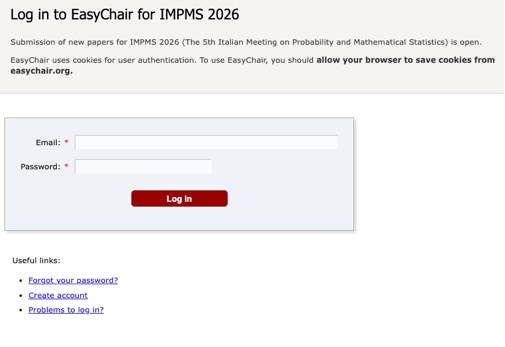
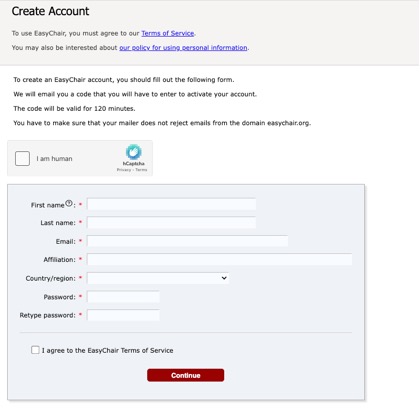
- Now you are successfully registered. To log in to the conference submission system EasyChair webpage use your User name and Password.
Submitting an abstract (as text and as PDF)
- Go to the conference submission system webpage (EasyChair):
https://easychair.org/conferences/?conf=impms2026
Choose New Submission
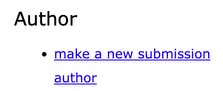
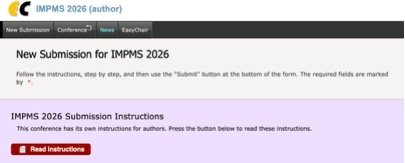
- Now you are on the submission page. Follow the instructions and fill in all the requested information.
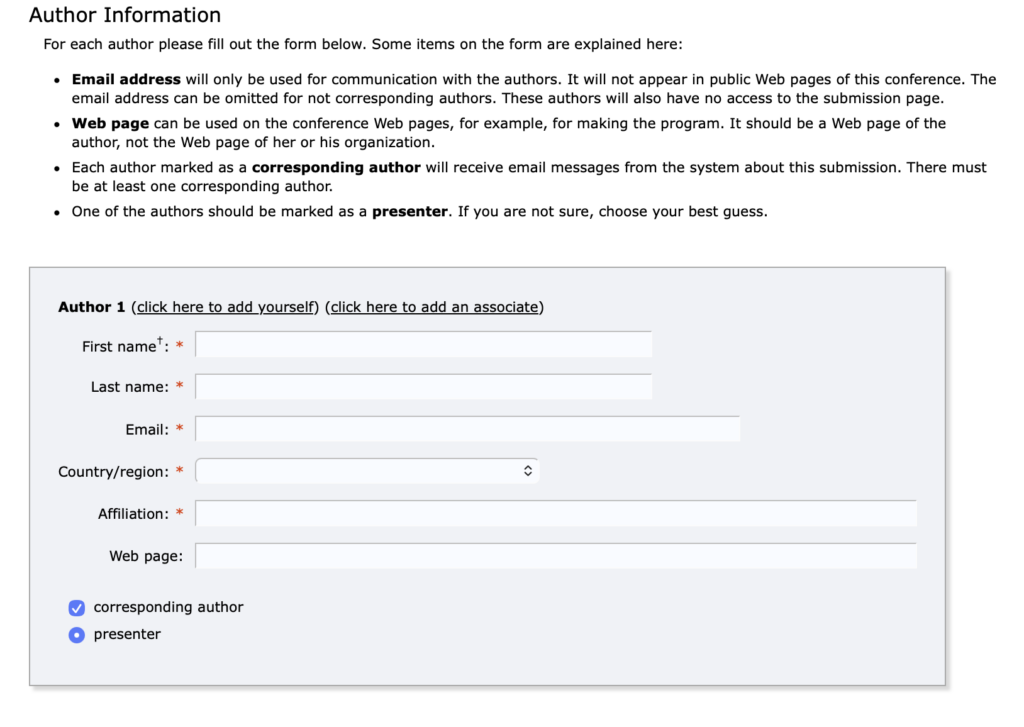
- In the next step please fill in author/authors information.
If there is more than one author, please specify the presenter
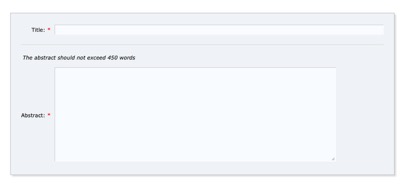
- Now is necessary to fill in Title and the Abstract
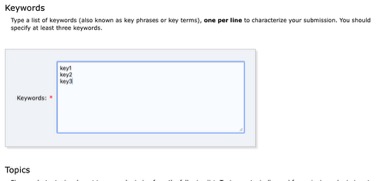
- At this step provide a list of keywords that describe your paper. You must specify at least three keywords, one per line
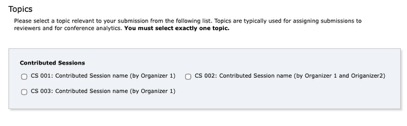
- Select the topics (contributed sessions to which you were invited) that apply to your presentation.
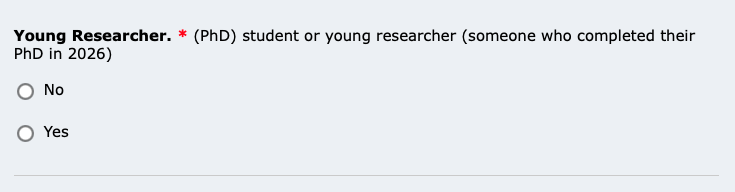
Select the Young Researcher position
Upload the PDF
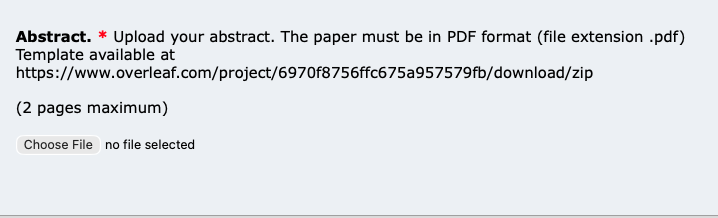
- Finally, you MUST submit a PDF of your abstract by using the field “Upload paper” .
- Abstract pdf must be prepared using the LaTeX template available here: Download (ZIP): https://www.overleaf.com/project/6970f8756ffc675a957579fb/download/zip
- You can also copy the Overleaf project here: Overleaf project: https://www.overleaf.com/read/jpkfdbgsnbsj#0e7df0
- Abstract:
- Should not exceed 400 words.
- Submission PDF:
- The submission PDF, including references, must fit within a maximum of two pages
- Contributed Session
Please fill in and check the contributed session
- Note:
- The abstract may be updated before the deadline.
Upload the PDF
- Click on the Submit button . Do not press the button twice: uploading may take time!
Finalize your submission
